Command Palette
Search for a command to run...
Online Tutorial | 2B Outperforms 4B, SOTA Among Same-Level Open-Source Models, OpenBMB Launches MiniCPM5-2B With 131K Long Context and Tool Calling
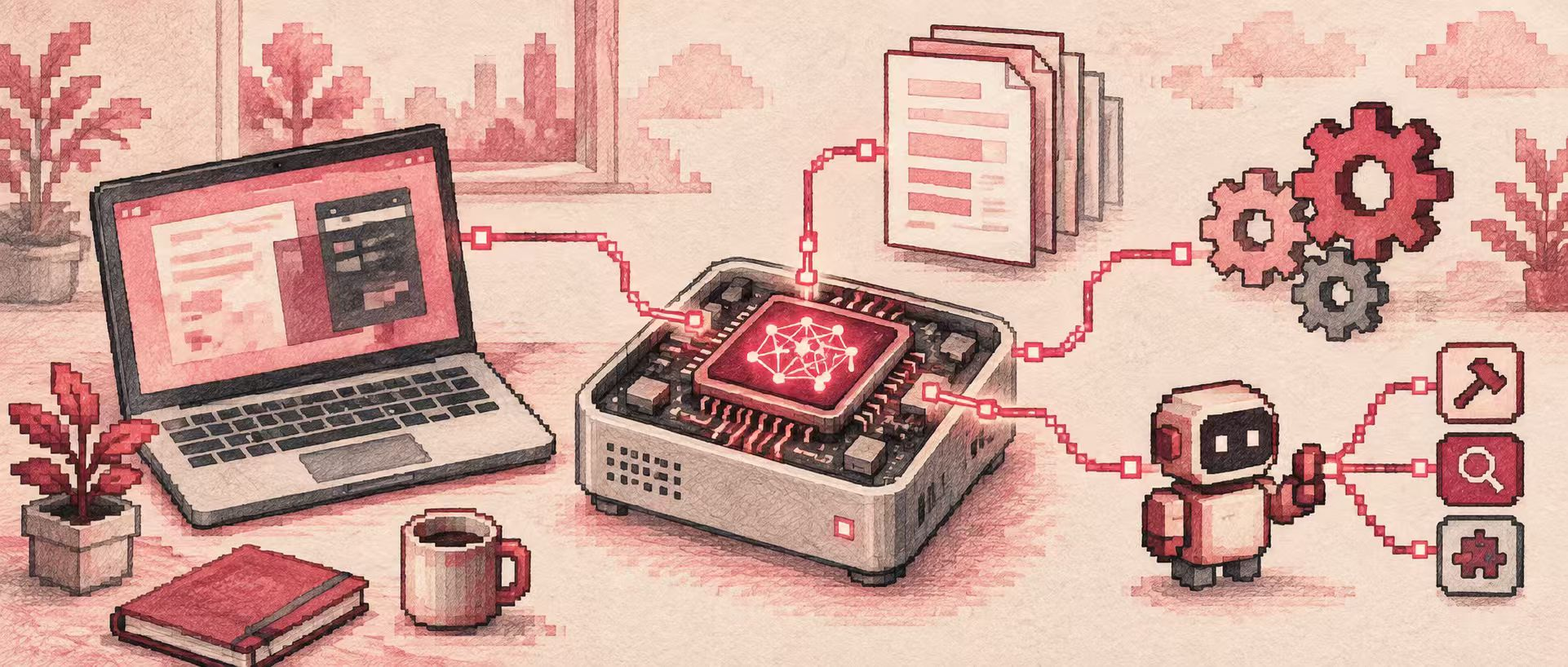
From Q&A and coding to tool calling, the capabilities of AI assistants continue to expand. How to balance reasoning, long-text processing, and agent applications under limited resources has become a key issue for on-device deployment.
MiniCPM5-2B offers a lightweight option. As the second model in the MiniCPM5 series launched by OpenBMB, it adopts the standard LlamaForCausalLM architecture, targeting on-device deployment, local inference, and resource-constrained scenarios, supporting developers in building practical AI applications around small-parameter models.
According to official evaluations, MiniCPM5-2B achieves an average score of 53.9 within the listed comparison range, reaching a leading level among 2B-class open-source models, with some metrics surpassing 4B-class models. Its capabilities cover code reasoning, mathematical reasoning, long-context understanding, tool calling, and agent tasks, making it suitable for programming assistance, problem-solving, and knowledge Q&A scenarios. For long-text processing needs, MiniCPM5-2B natively supports a context window of up to 131,072 tokens, providing ample space for inputting lengthy documents, code, and conversation records.
Beyond text generation, MiniCPM5-2B also supports XML-style tool calling, serving as a model foundation for programming agents, search agents, and other tool-calling workflows.
Currently, the HyperAI tutorial section has launched the practical tutorial "MiniCPM5-2B: On-Device 2B-Class SOTA Large Model Inference," supporting online experience and one-click deployment~
Run Online:
More Online Tutorials:
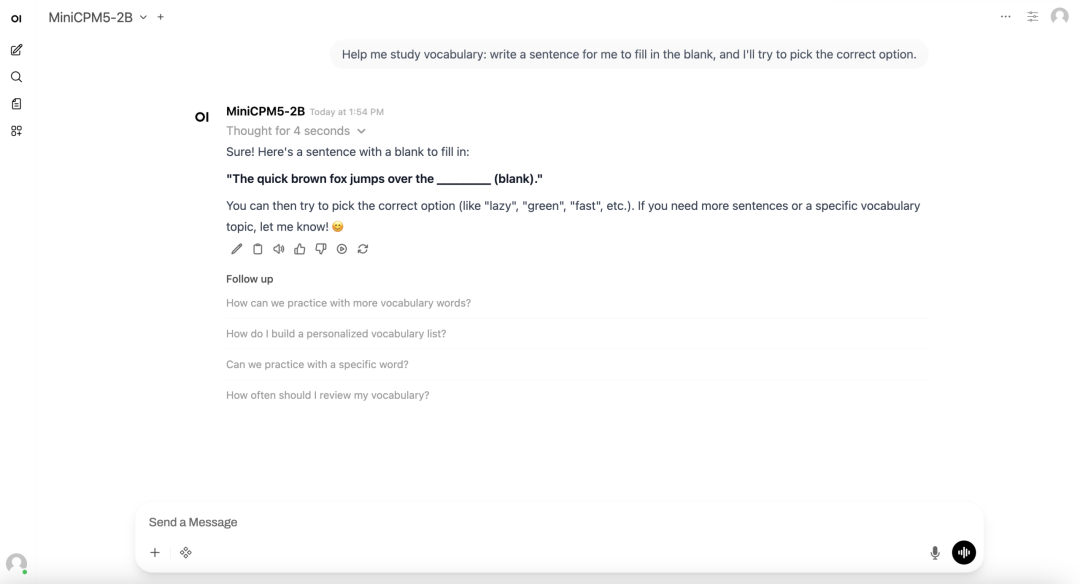
Demo page
Demo Run
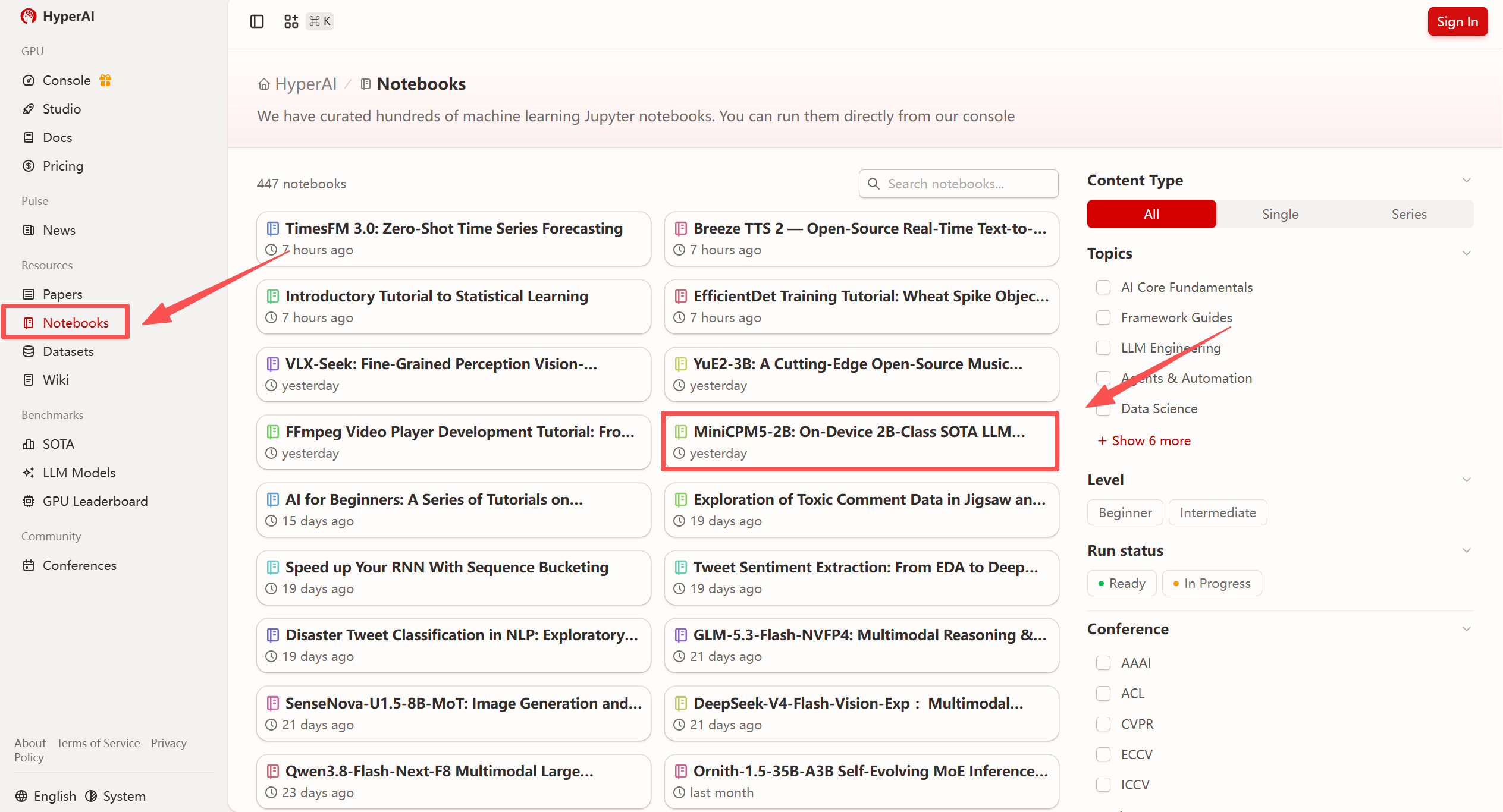
- After entering the hyper.ai homepage, select the "Tutorials" page, or click "View More Tutorials," choose "MiniCPM5-2B: On-Device 2B-Class SOTA Large Model Inference," and click "Run This Tutorial."
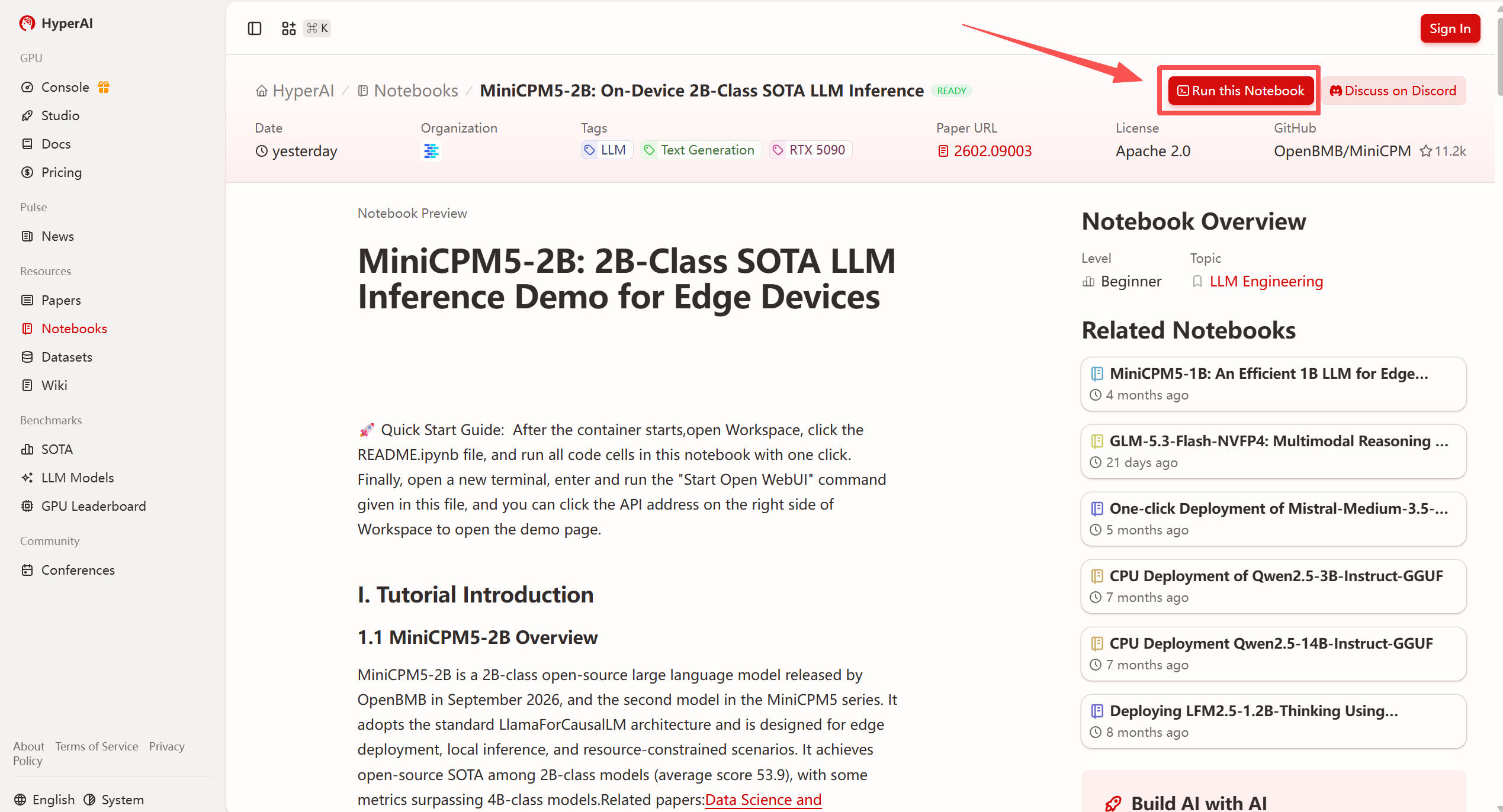
- After the page redirects, click "Clone" in the top-right corner to clone the tutorial into your own container.
Note: The top-right corner of the page supports language switching, currently offering both Chinese and English. This tutorial article uses English as an example for the steps.
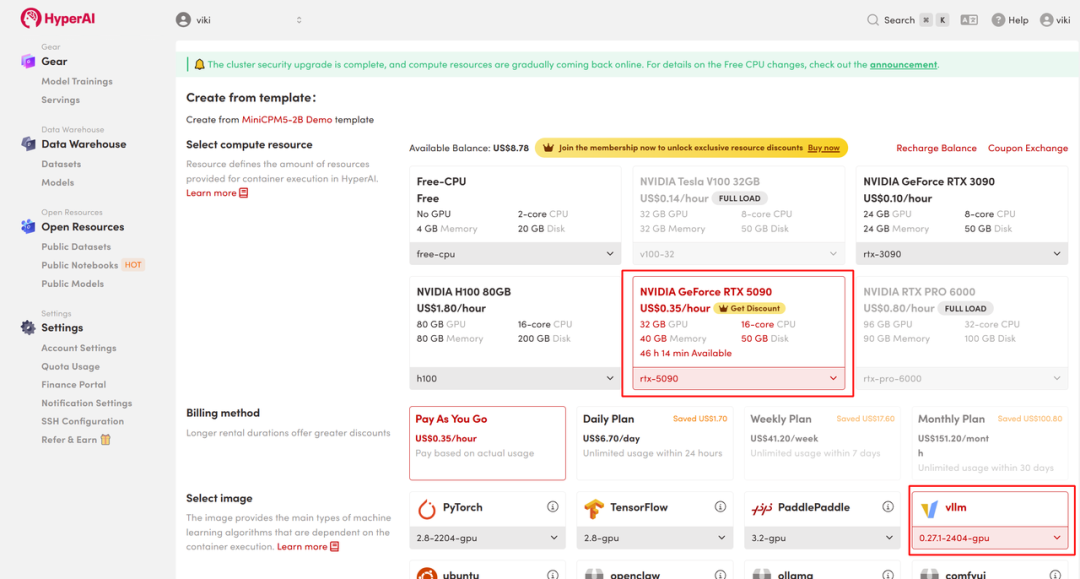
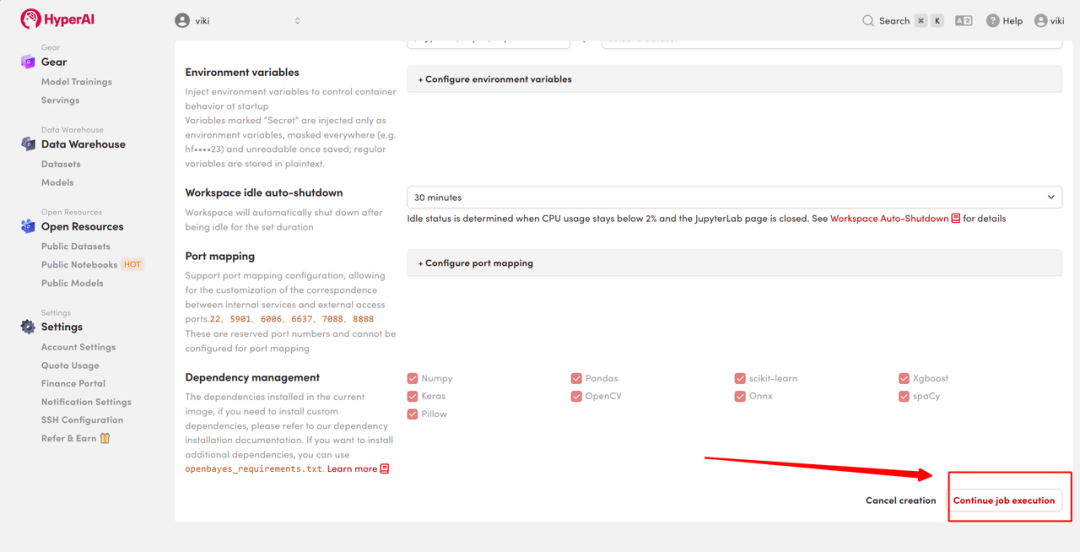
- Select "NVIDIA RTX 5090" and the "vllm" image, then click "Continue job execution."
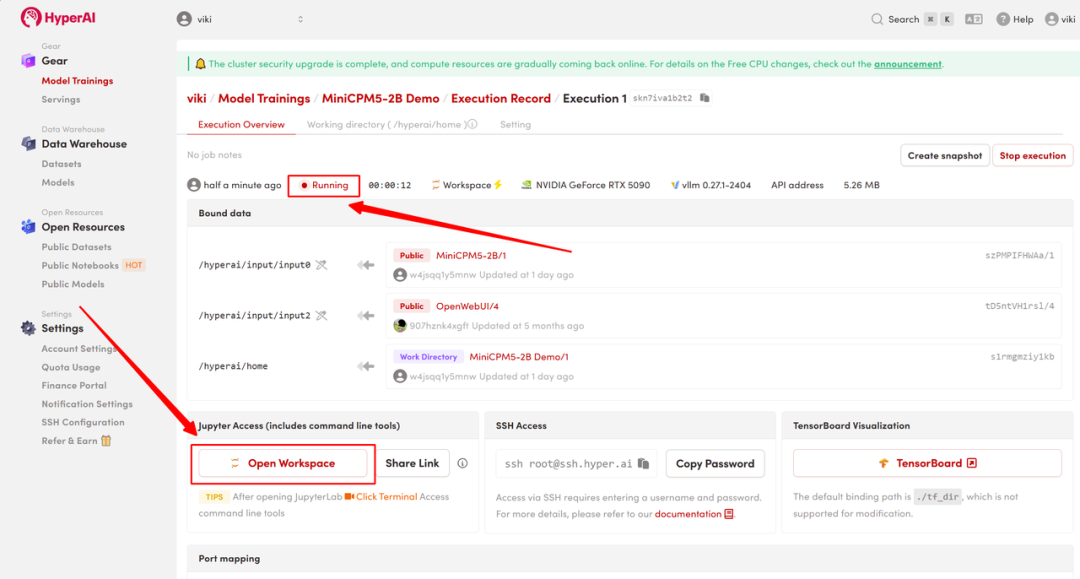
- Wait for resource allocation. Once the status changes to "Running," click "Open Workspace" to enter the Jupyter Workspace.
Results Display
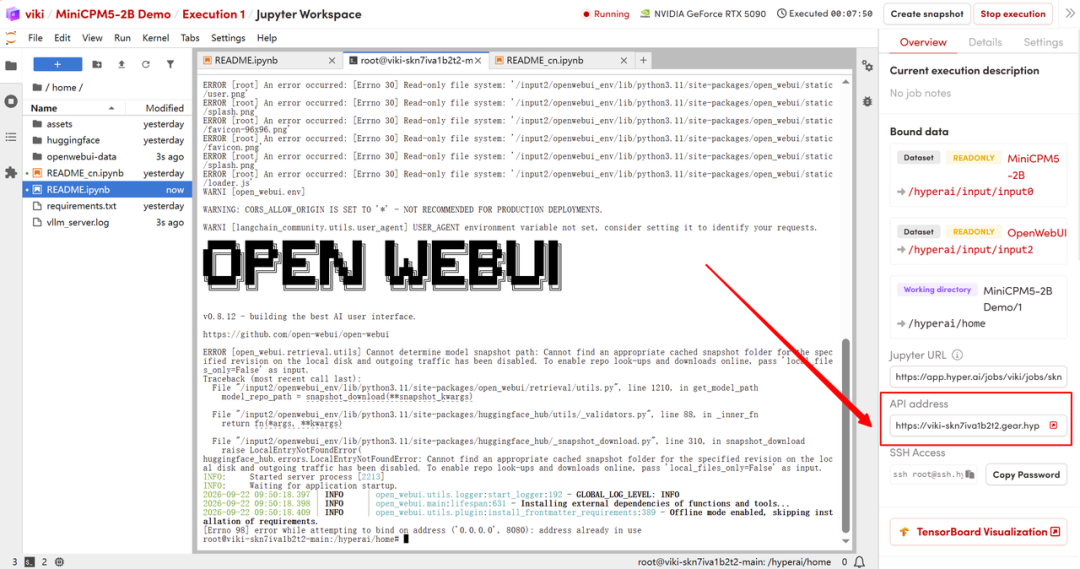
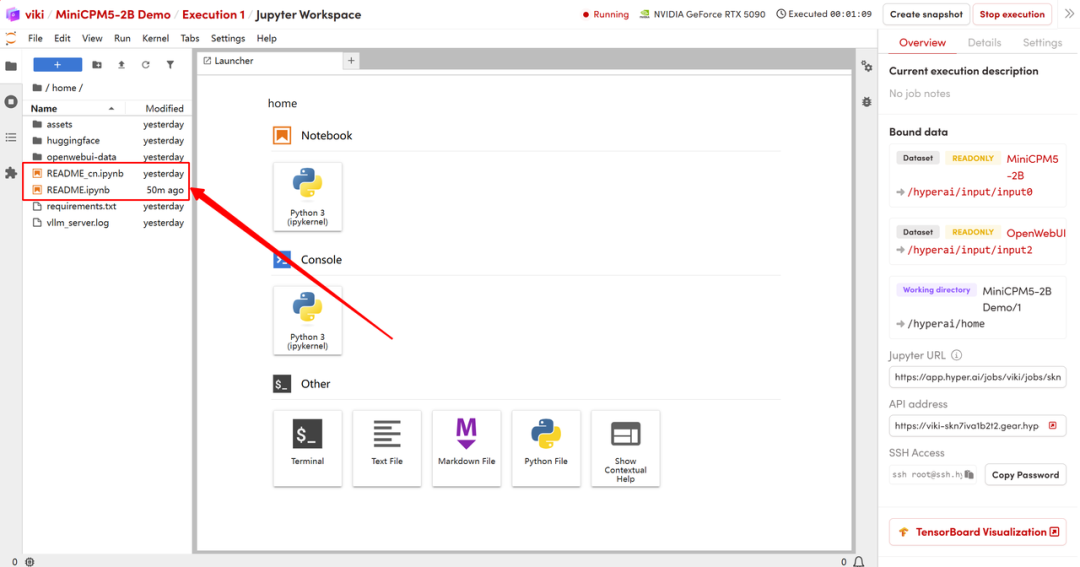
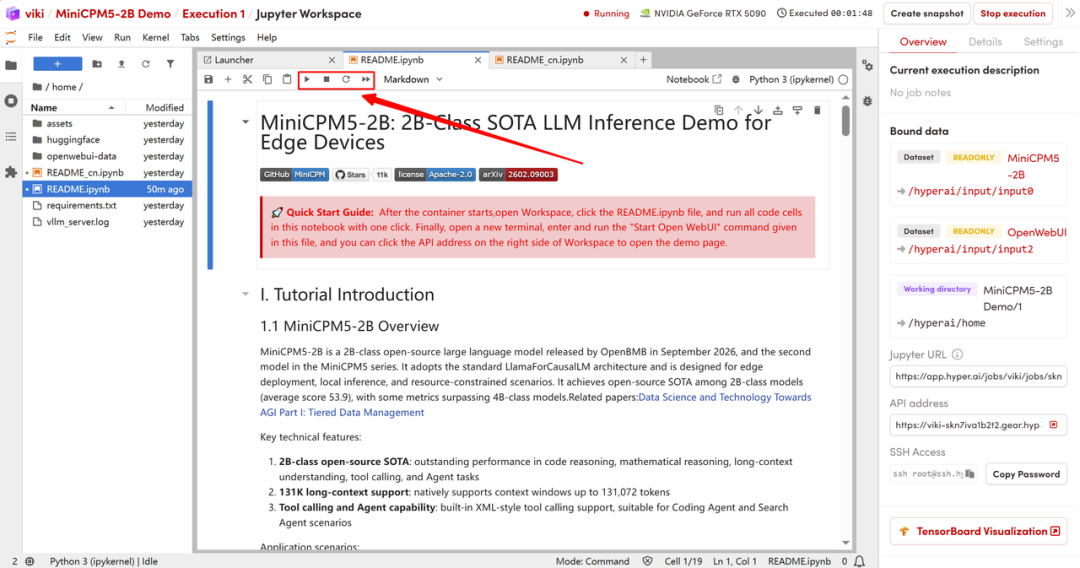
- After the page redirects, click the README file on the left, then click "Run" at the top after entering.
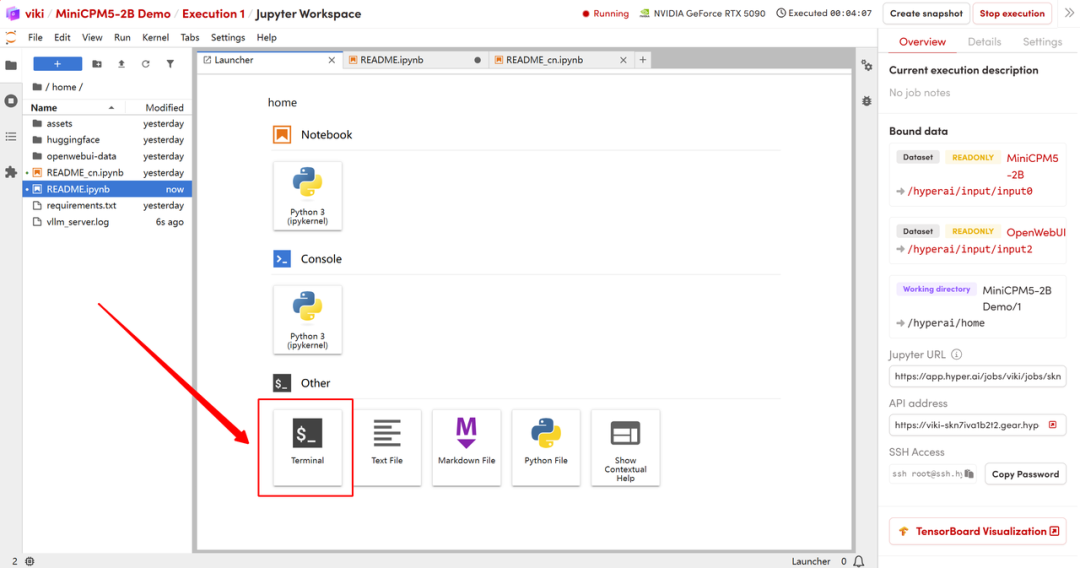
- After the run completes, open a new terminal and execute the following command to start Open WebUI.
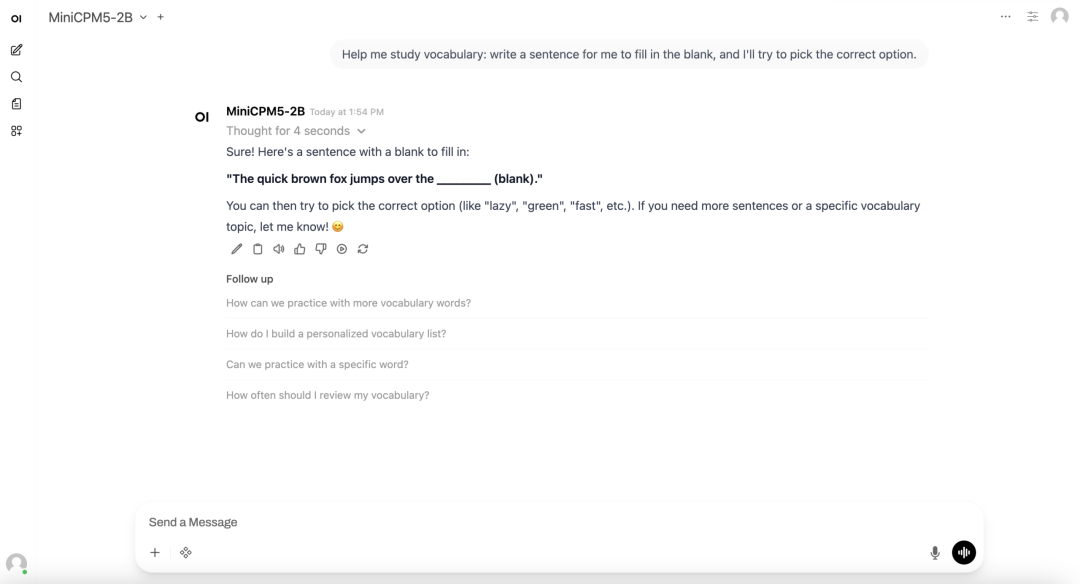
- After startup, click the API address on the right to access the Open WebUI interface in your browser and start chatting with the local model.