Command Palette
Search for a command to run...
Online Tutorial | The 33B Open-Source Model Supports 512K Context, Nanbeige 4.3-33B Integrates Complex Encoding and Agent Collaboration in a Single Run

Making a model understand a code repository with tens of thousands of lines, or continuously call multiple tools to complete a long-horizon task, is completely different from conversational question answering: it must remember a sufficiently long context, and also decide when to call which tool and how to proceed after a call fails. Models with too few parameters cannot sustain such continuous reasoning, while large models often get stuck at the deployment stage.
Nanbeige4.3-33B, open-sourced by BOSS Zhipin's Nanbeige LLM Lab, is built exactly for such tasks. It is positioned as the flagship "teacher model" of the Nanbeige4.3 series, achieving leading agentic performance among open-source models at around the 30B parameter scale, while laying the groundwork for distillation pipelines for downstream smaller models.
Specifically, Nanbeige4.3-33B supports a context window of up to 524,288 (512K) tokens, features thinking mode (enable_thinking) and tool-calling capabilities, and officially recommends XML as the format for tool calls. The model follows the Llama architecture, uses grouped-query attention (GQA), and has a vocabulary size of 166,912.
The tasks targeted by this configuration are also clear: complex coding and code agents (SWE-Bench, Terminal-Bench), professional office work and industry collaboration (JobBench, Automation Bench), and complex reasoning question answering (AIME, GPQA).
The barrier issue is addressed through quantization. The original model is released in bfloat16 precision and is about 66 GB in size, which cannot fit on a single consumer-grade GPU; the tutorial available on HyperAI uses the Q4_K_M quantized version instead, reducing the size to about 19.4 GB, fully loads it onto a single RTX 5090 (32 GB VRAM) via the llama.cpp llama-server backend, and preconfigures an Open WebUI chat interface. The entire process requires no self-compiling of the inference framework and no separate frontend setup.
HyperAI has now launched "Nanbeige4.3-33B: A Flagship Model for Complex Coding and Agent Collaboration," which runs end to end from quantized weight loading to WebUI chat in one go. If you want to see how the 33B model performs on real coding and Agent tasks, you can try it directly.
**Run online:**https://go.hyper.ai/toeyr**More online tutorials:**https://hyper.ai/notebooks
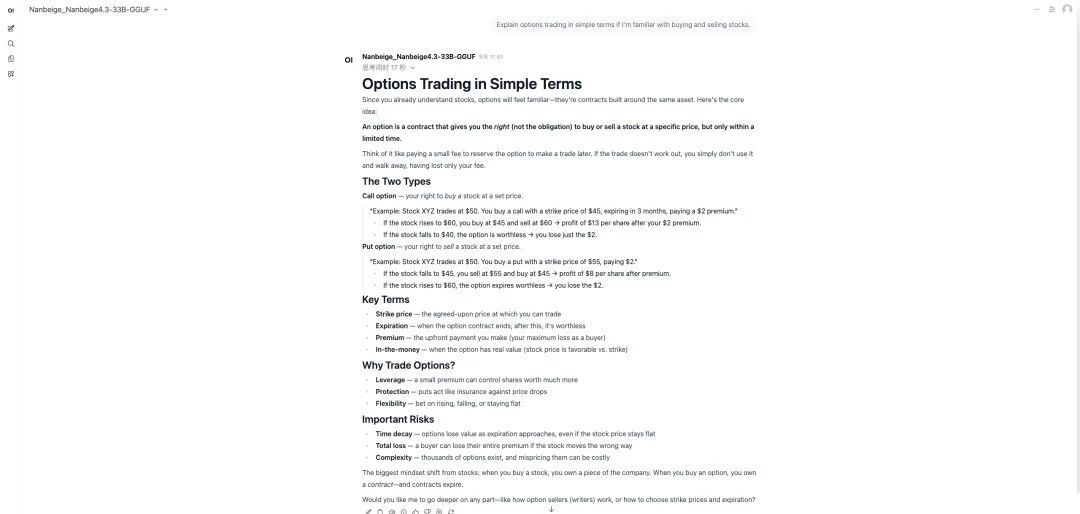
Demo Run
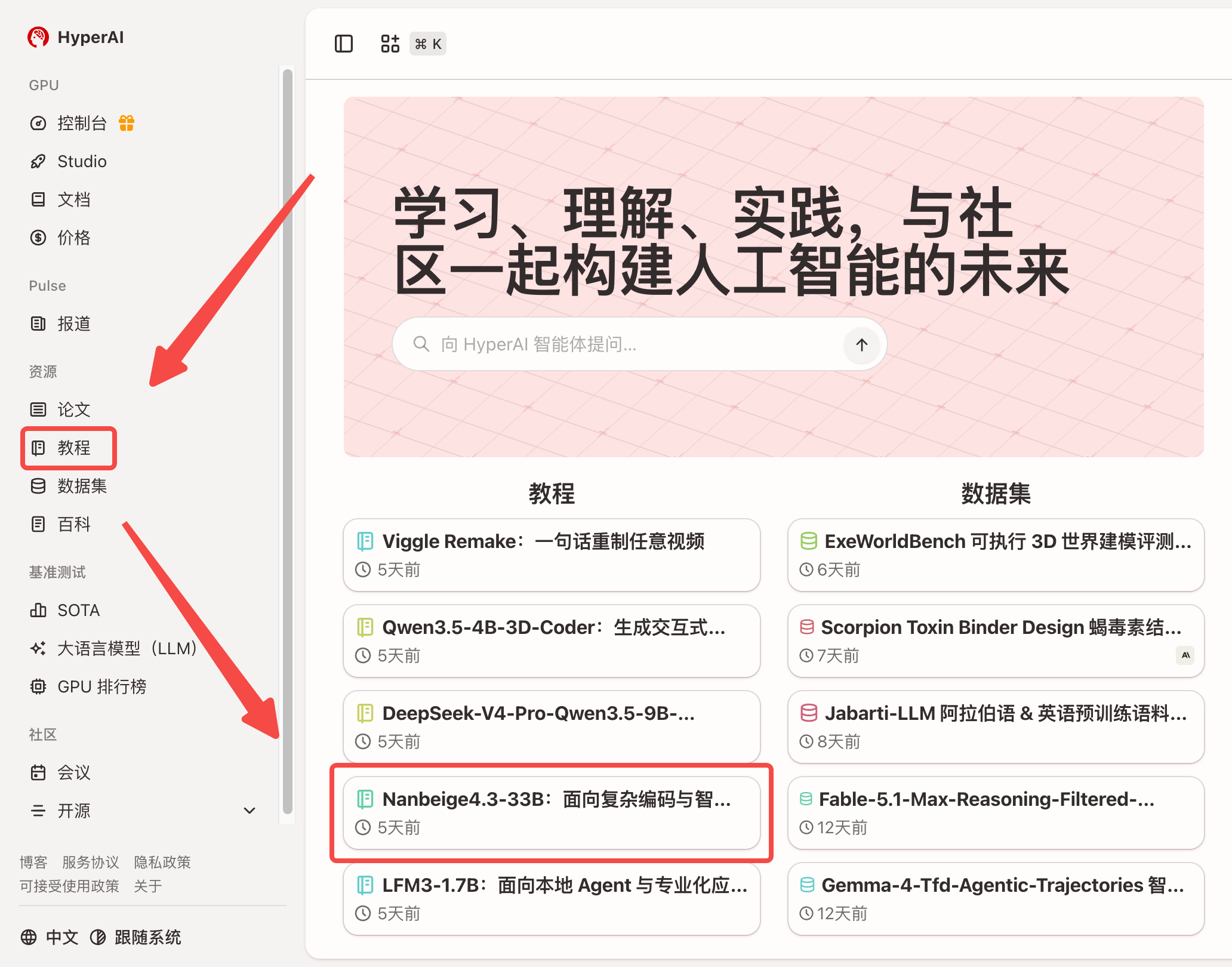
- After entering the hyper.ai homepage, select the “Tutorials” page, or click “View More Tutorials”, select “Nanbeige4.3-33B: A Flagship Model for Complex Coding and Agent Collaboration”, and click “Run This Tutorial”.
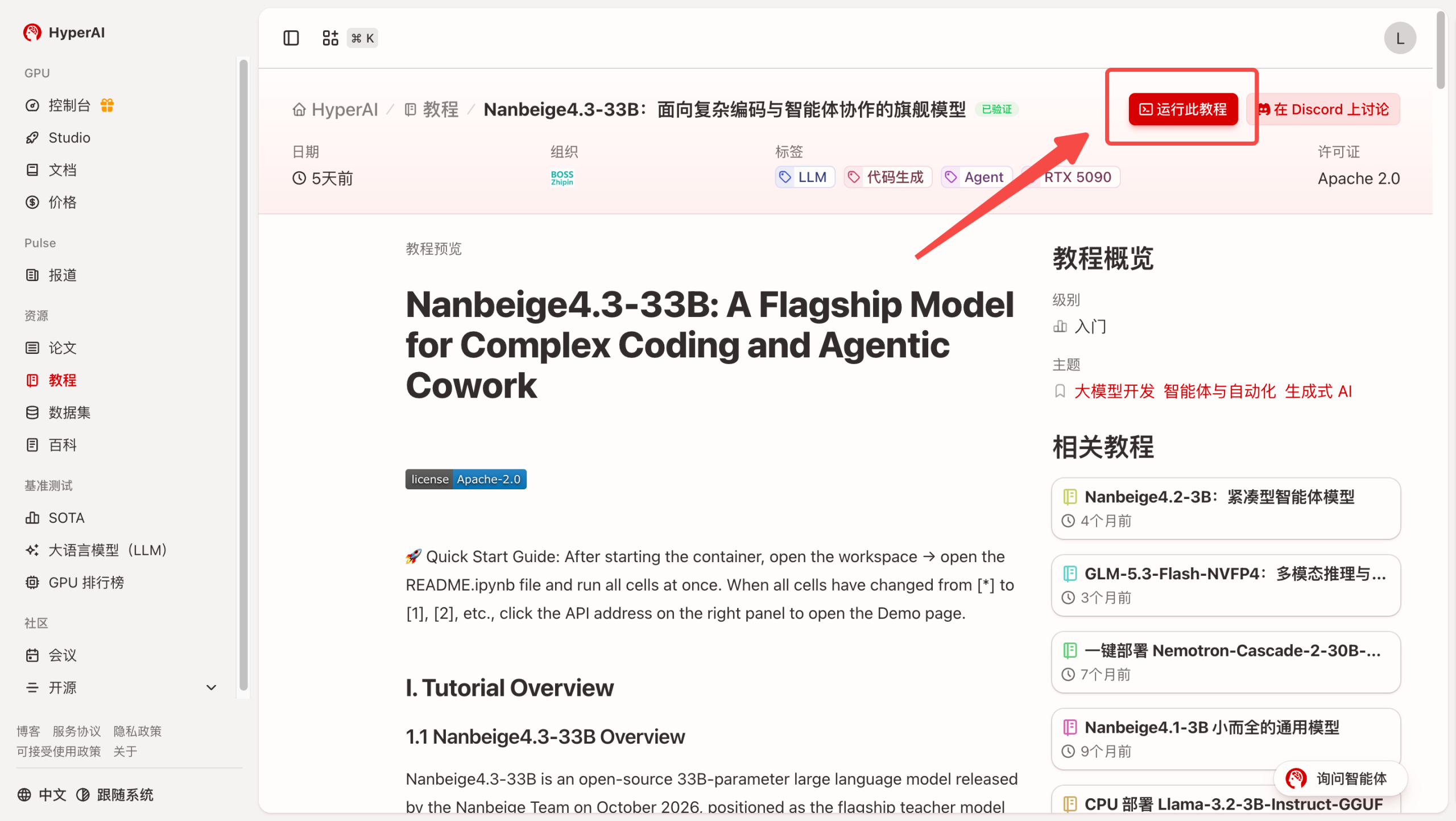
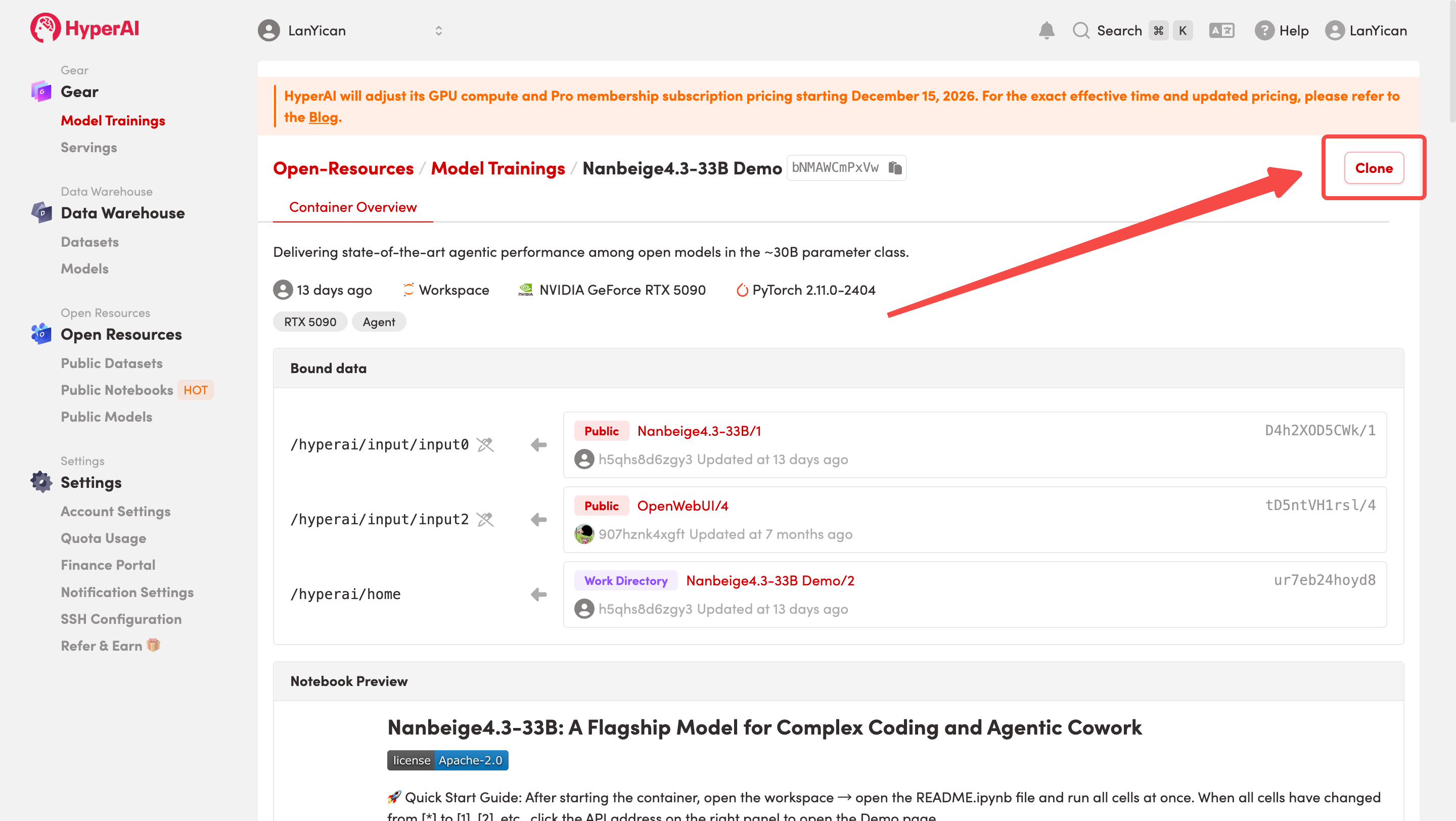
- After the page redirects, click "Clone" in the upper right corner to clone the tutorial into your own container.
Note: The upper right corner of the page supports language switching. Currently, Chinese and English are available. This tutorial uses English as an example for the step demonstration.
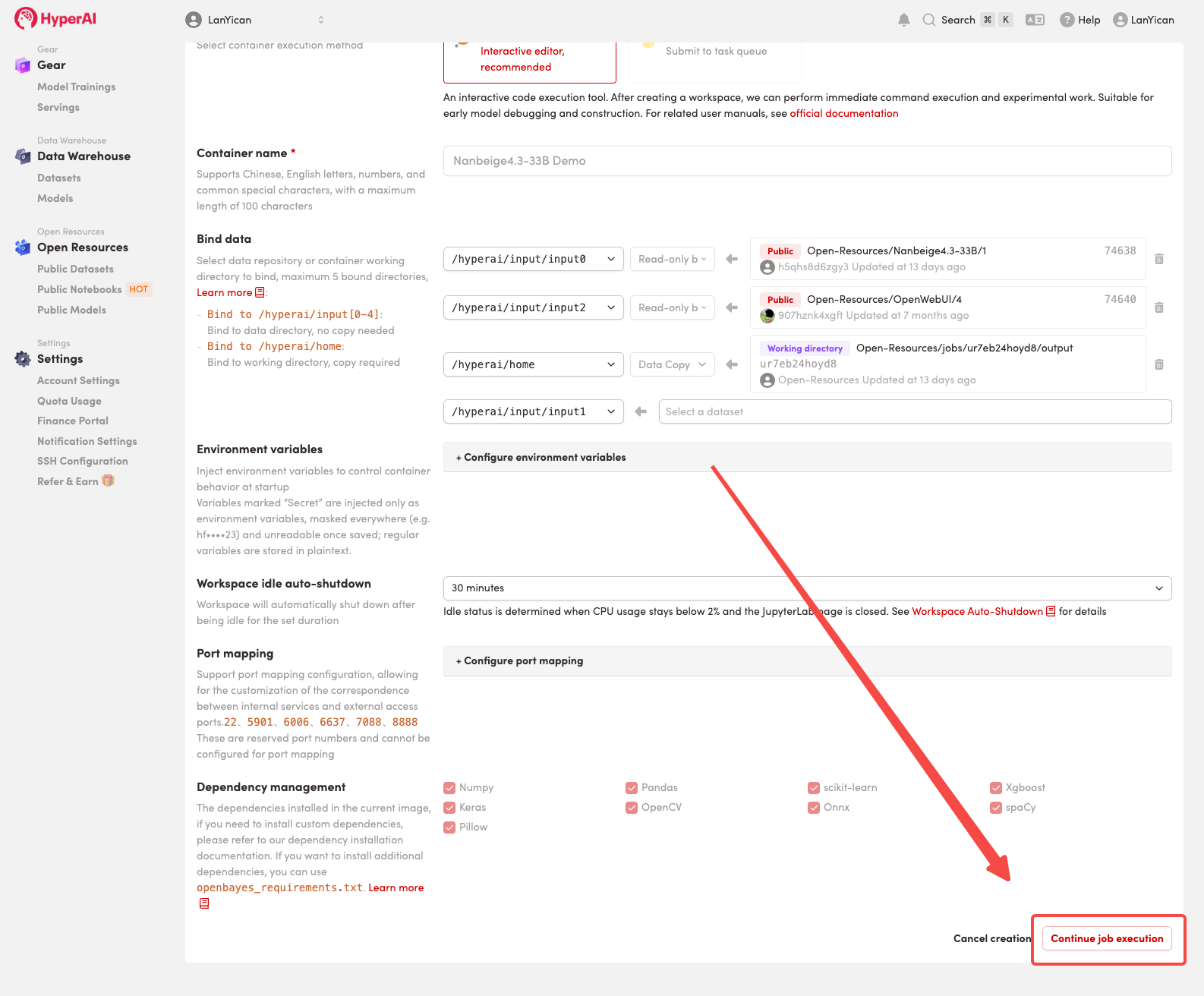
- Select "NVIDIA GeForce RTX 5090" and the corresponding image, then click "Continue job execution". This tutorial uses NVIDIA GeForce RTX 5090 (32 GB VRAM) resources by default.
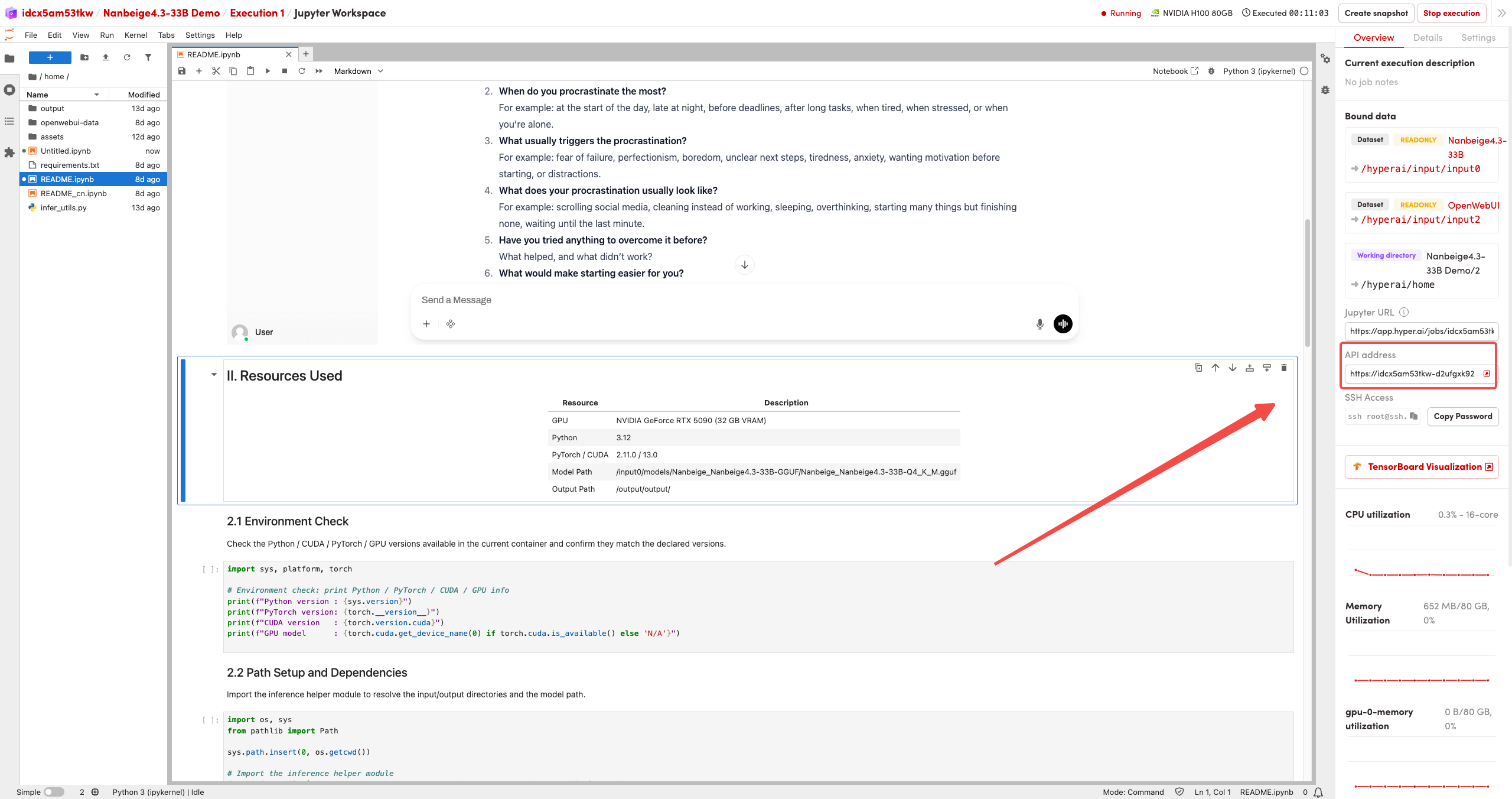
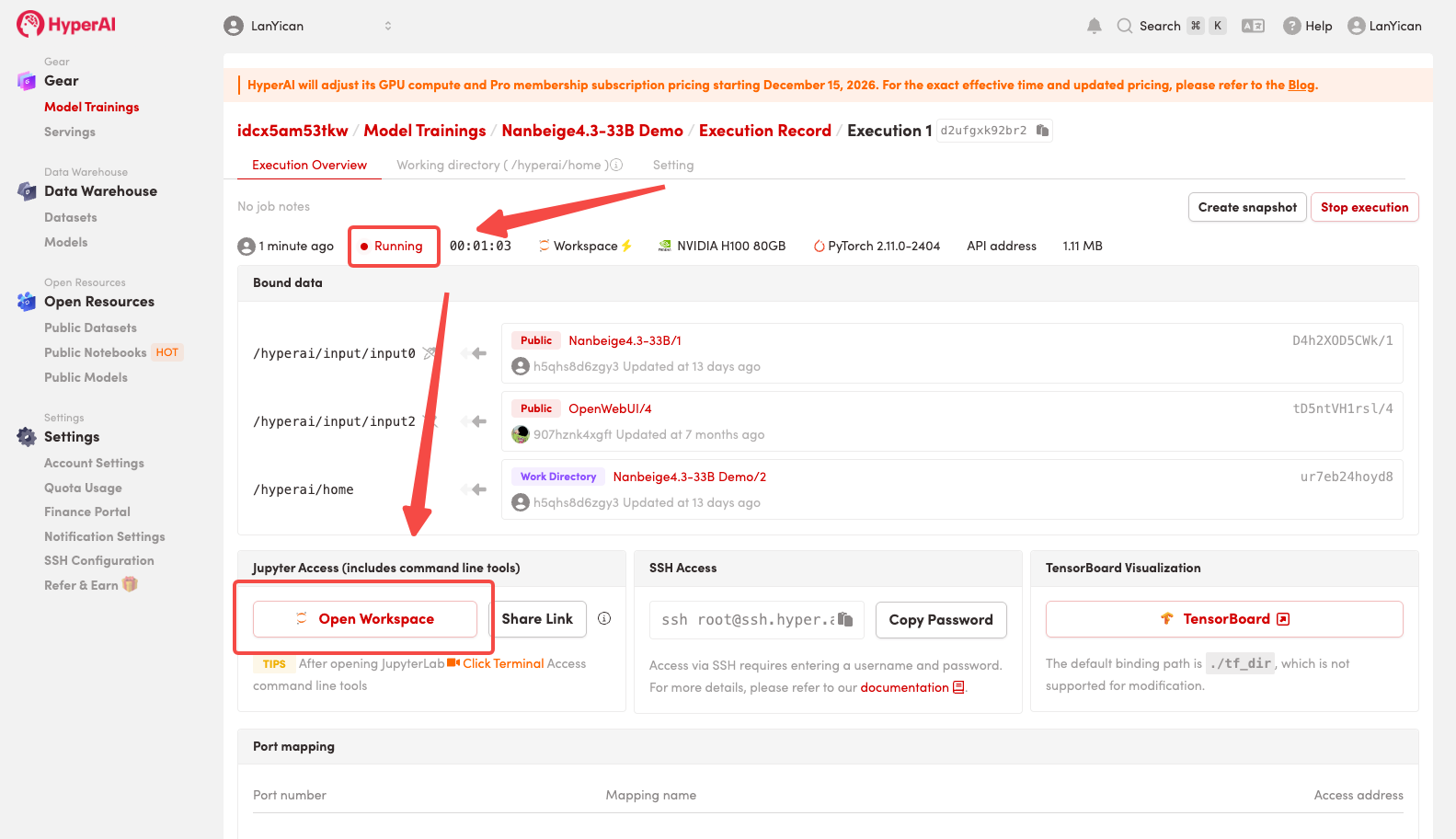
- Wait for resources to be allocated. Once the status changes to "Running", click "Open Workspace" to enter Jupyter Workspace.
Demonstration
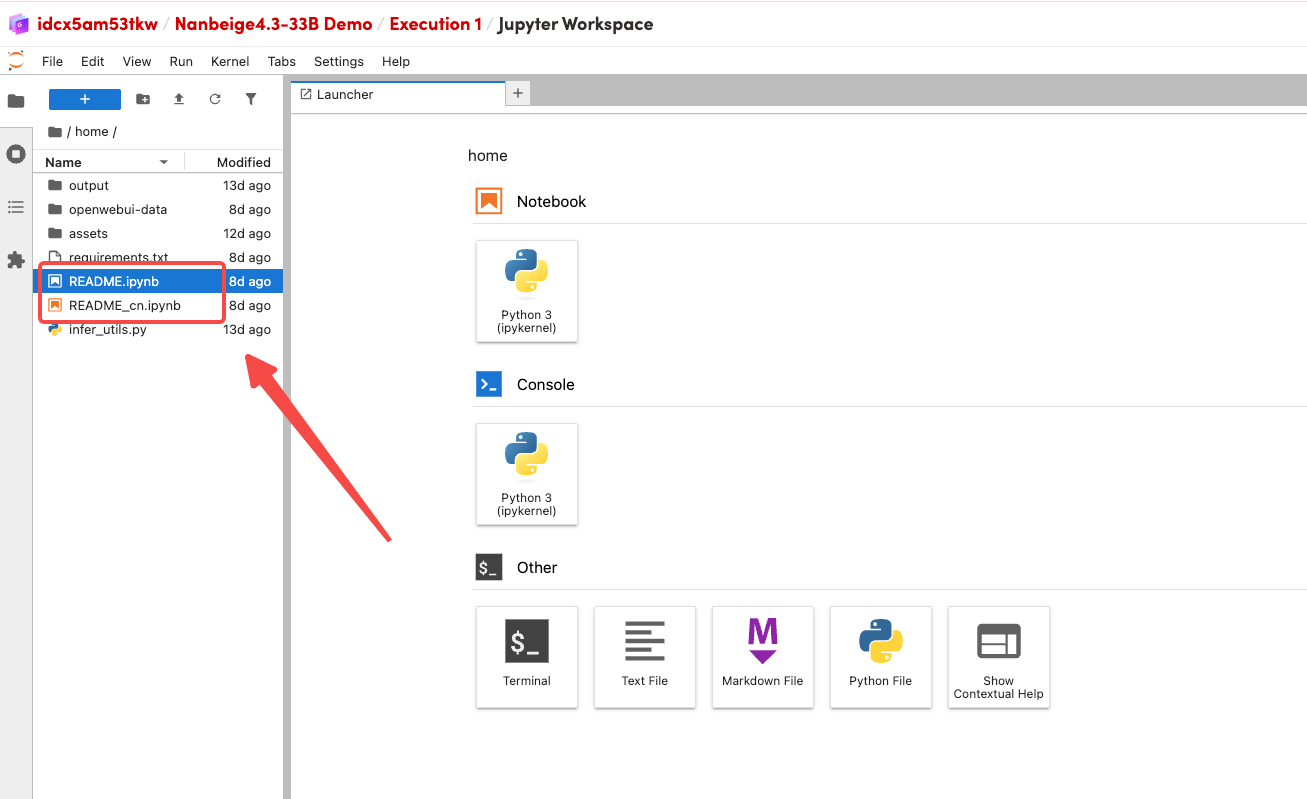
- After the page redirects, click the README file on the left. Once inside, click Run at the top.
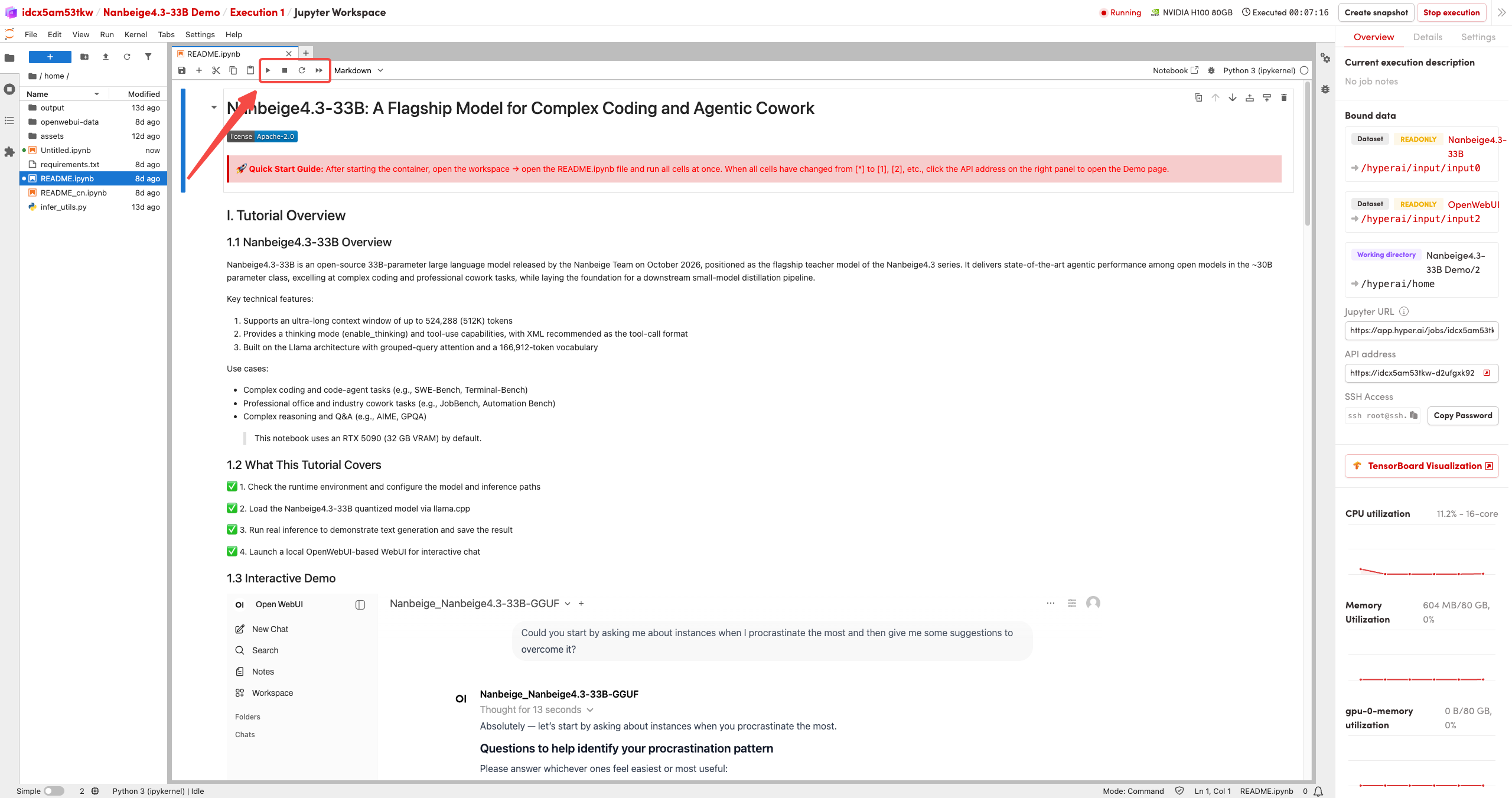
- After it has finished running, please open a new terminal and execute the following command to start Open WebUI.
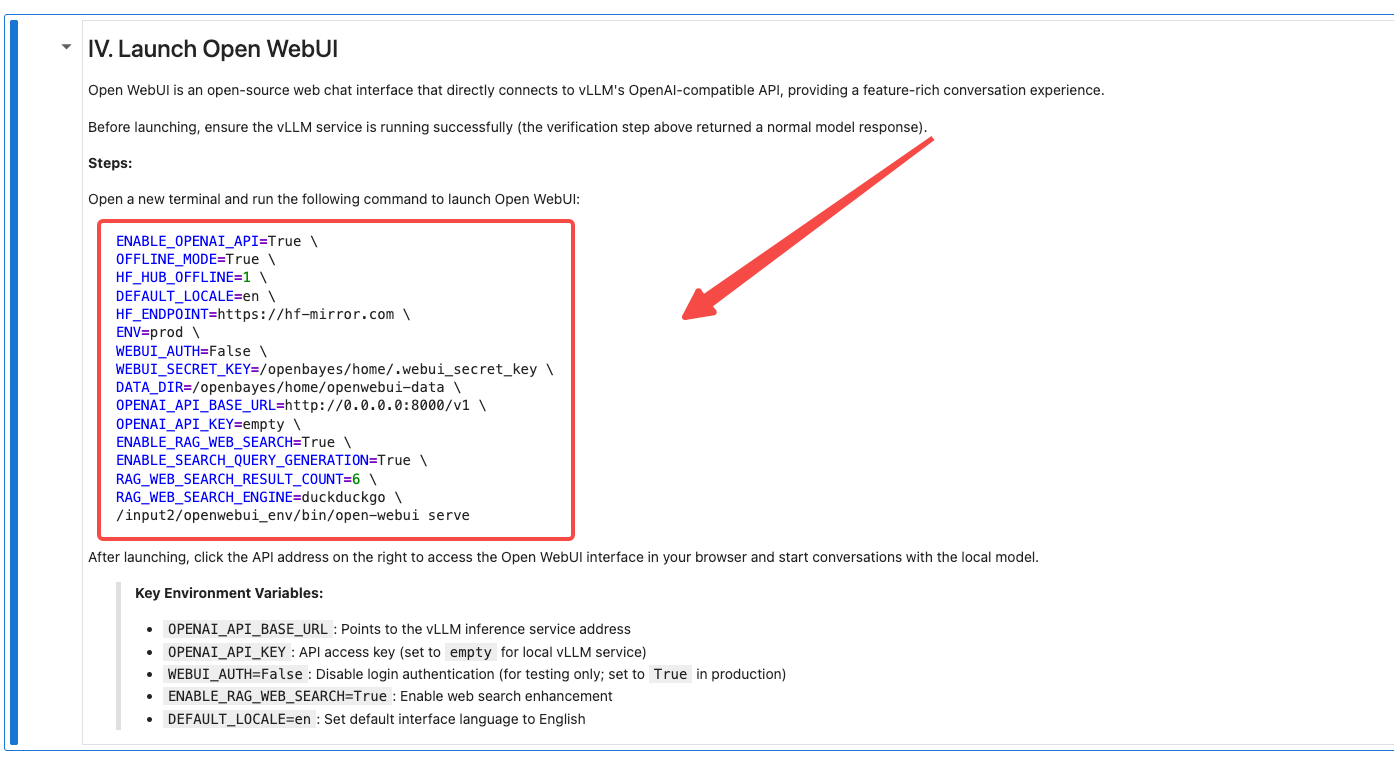
- After starting, click the API address on the right to access the Open WebUI interface in your browser.